Stop mixing problems
you should have edited out.
30-day money-back guarantee
There's a step most people skip - and it's costing them every mix.
Most engineers treat editing like a chore - something to gloss over or get through before the real work starts. But walk into any professional studio and it's a different story.
Drums get aligned. Guitar takes get comped and crossfaded. Vocals get timed and tuned.
When that step gets skipped - or done without a real system - you carry every problem into the mix. The muddiness that won't go away. The low end that never quite locks in. The vocals that sit wrong no matter what you do with the EQ.
Those aren't mixing problems. They're editing problems. And no plugin fixes them.
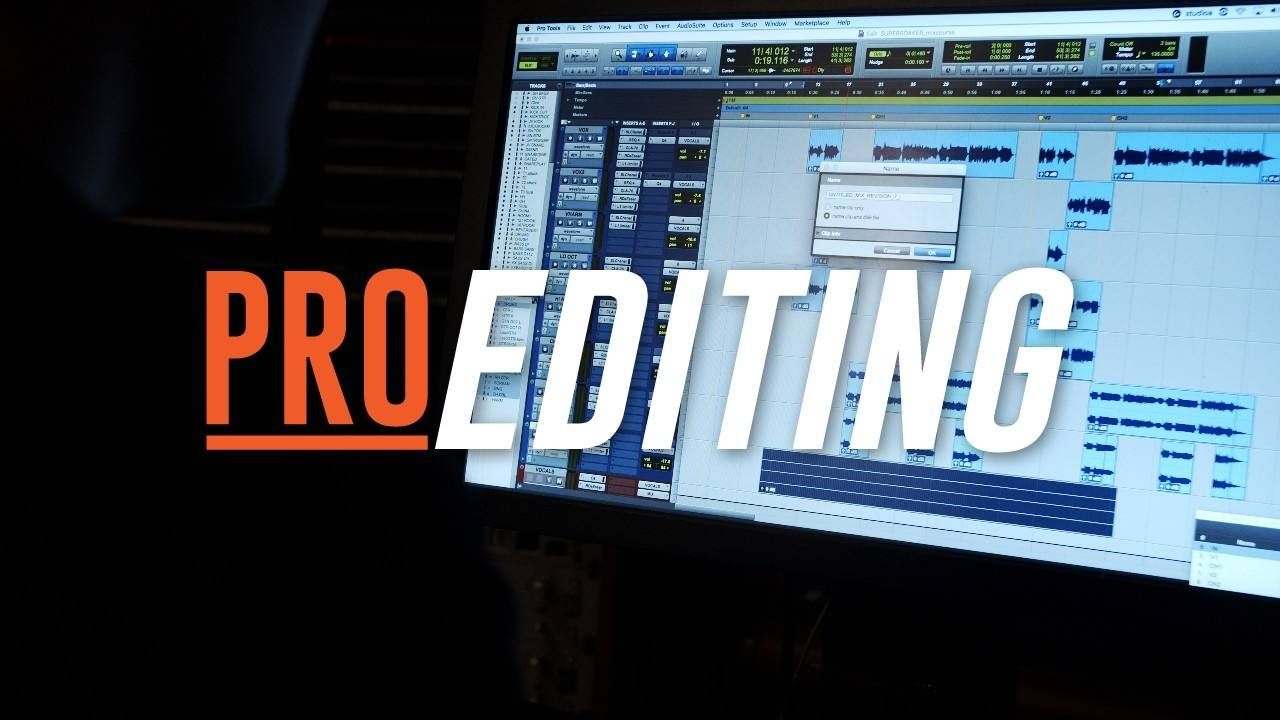
Pro Editing is the course that fills that gap.
Three in-depth modules covering drums, bass and guitar, and vocals - with the same workflows I've used on real records, taught in a way you can apply to your next session.
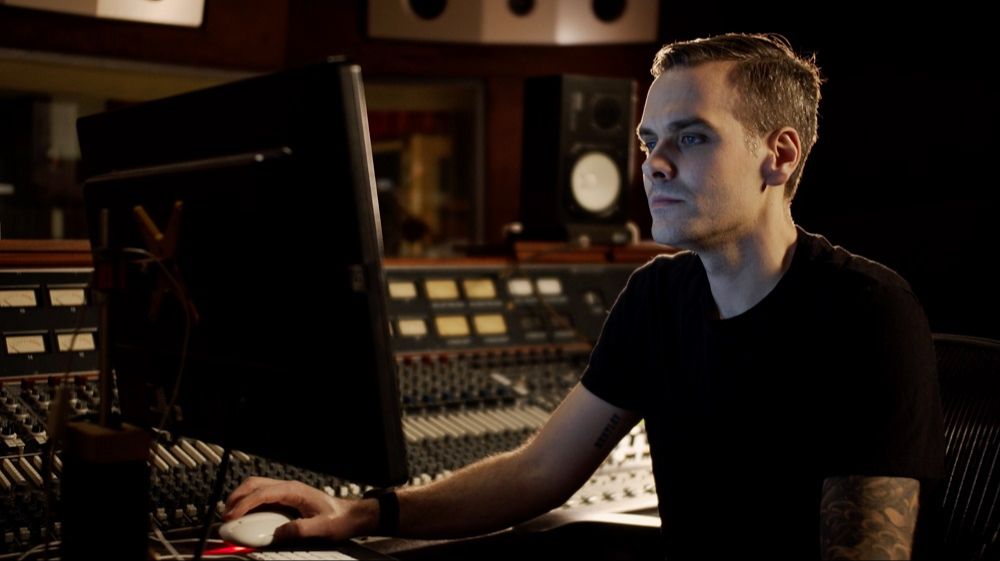
The moment I realized editing was a skill - not just a step.
Early in my career I was sitting in on a session with a more experienced engineer. Same DAW I was using. Same kind of session I'd done before.
He opened up the drum edit window and I watched him move through an entire song in the time it used to take me to get through the first verse. He wasn't cutting corners. The edits were clean, the drums sounded natural, and nothing was rushed.
He just had a system - a specific, methodical approach for every decision that came up. Where to cut, how to crossfade, when to use Beat Detective and when to go manual, how to deal with the weird stuff that always shows up mid-edit. He'd done it so many times it was automatic.
That was the moment I understood that editing isn't just a technical step you get through before the real work starts. It's a skill. And like any skill, the engineers who develop it properly move faster, produce cleaner results, and stand out to every client they work with.
I spent years building out those workflows - for drums, for guitars and bass, for vocals - across hundreds of real sessions.
Pro Editing is what came out of that. The engineers who go through it don't just get faster. They stop handing themselves problems to solve in the mix.
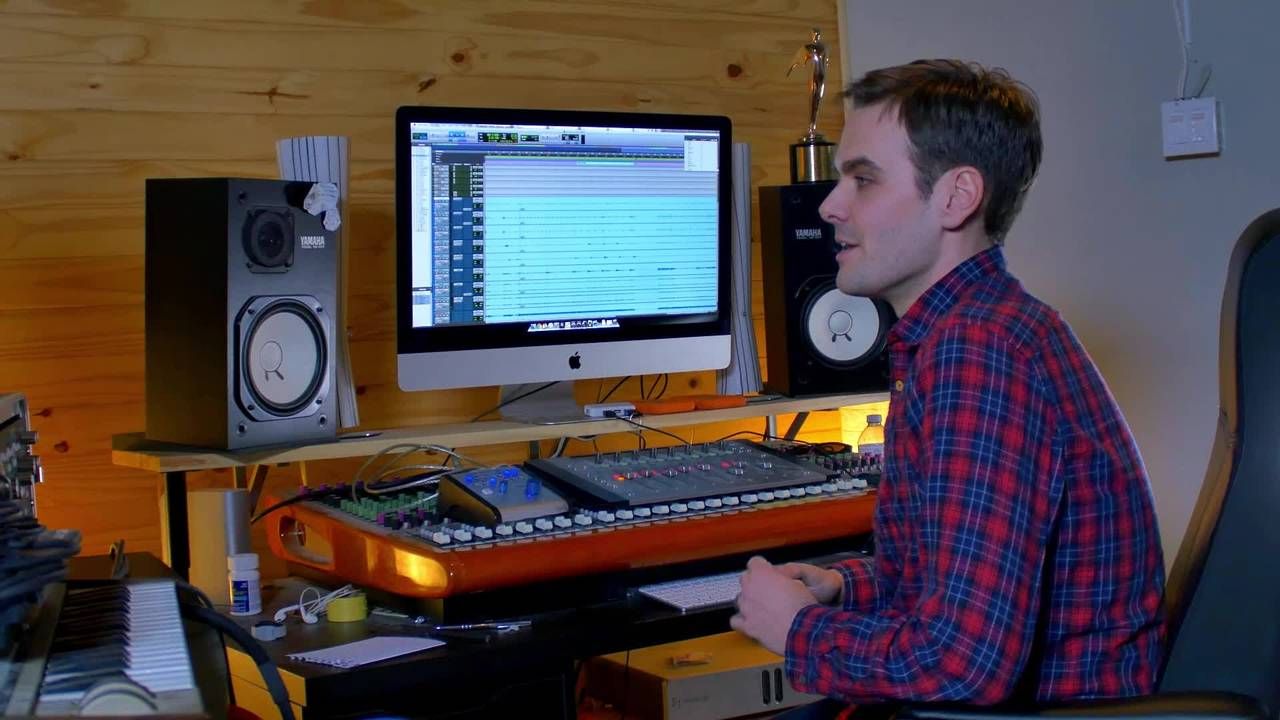
Pro Editing has been inside my high-ticket program for years. The only way to access it was as part of a $5,000 program.
That changes now.
This is what happens when editing clicks.
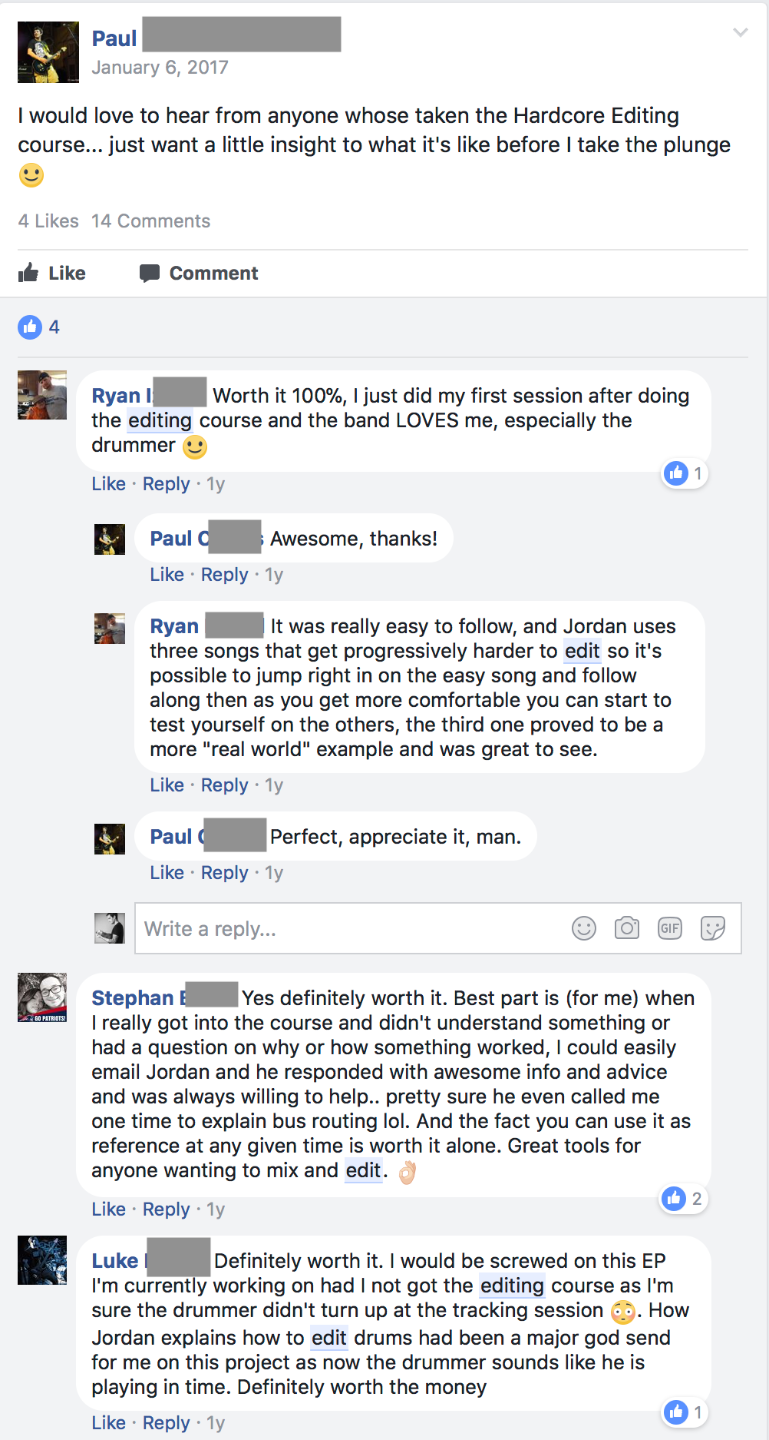
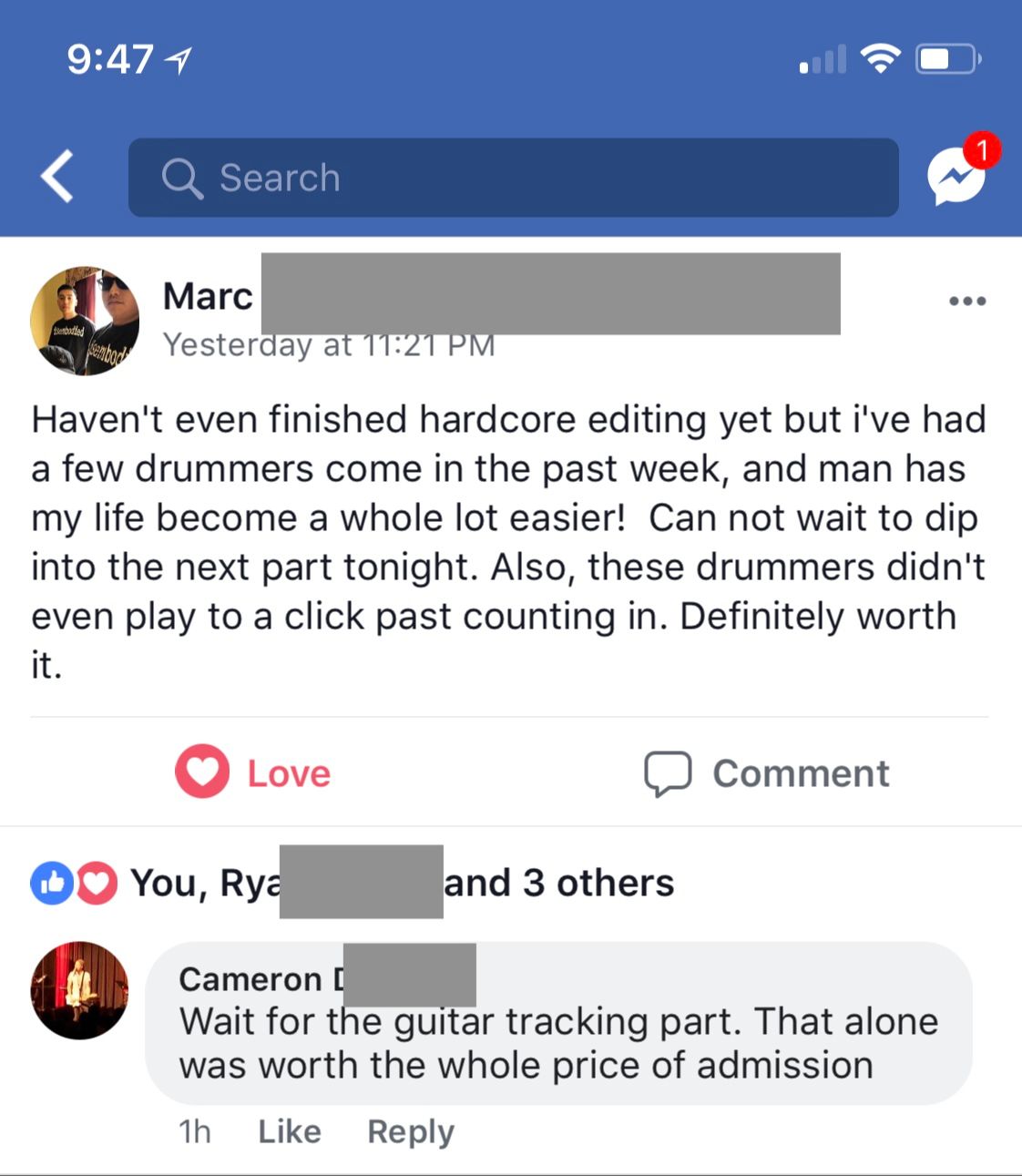
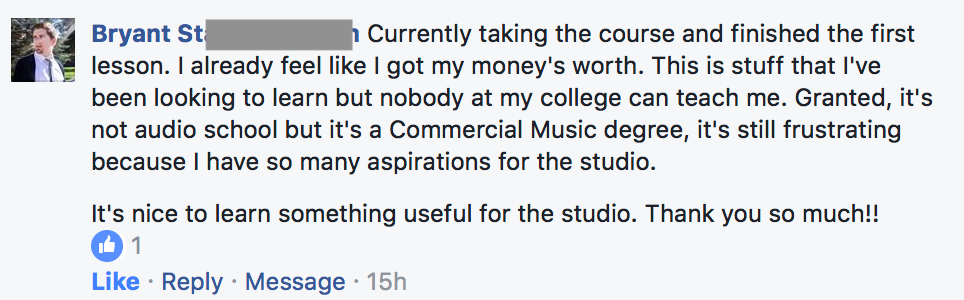

Three modules. Every instrument. A real system.
Drums, bass and guitar, and vocals - each with in-depth video walkthroughs, real session examples, and reference guides for every time you sit down to edit.
Drums
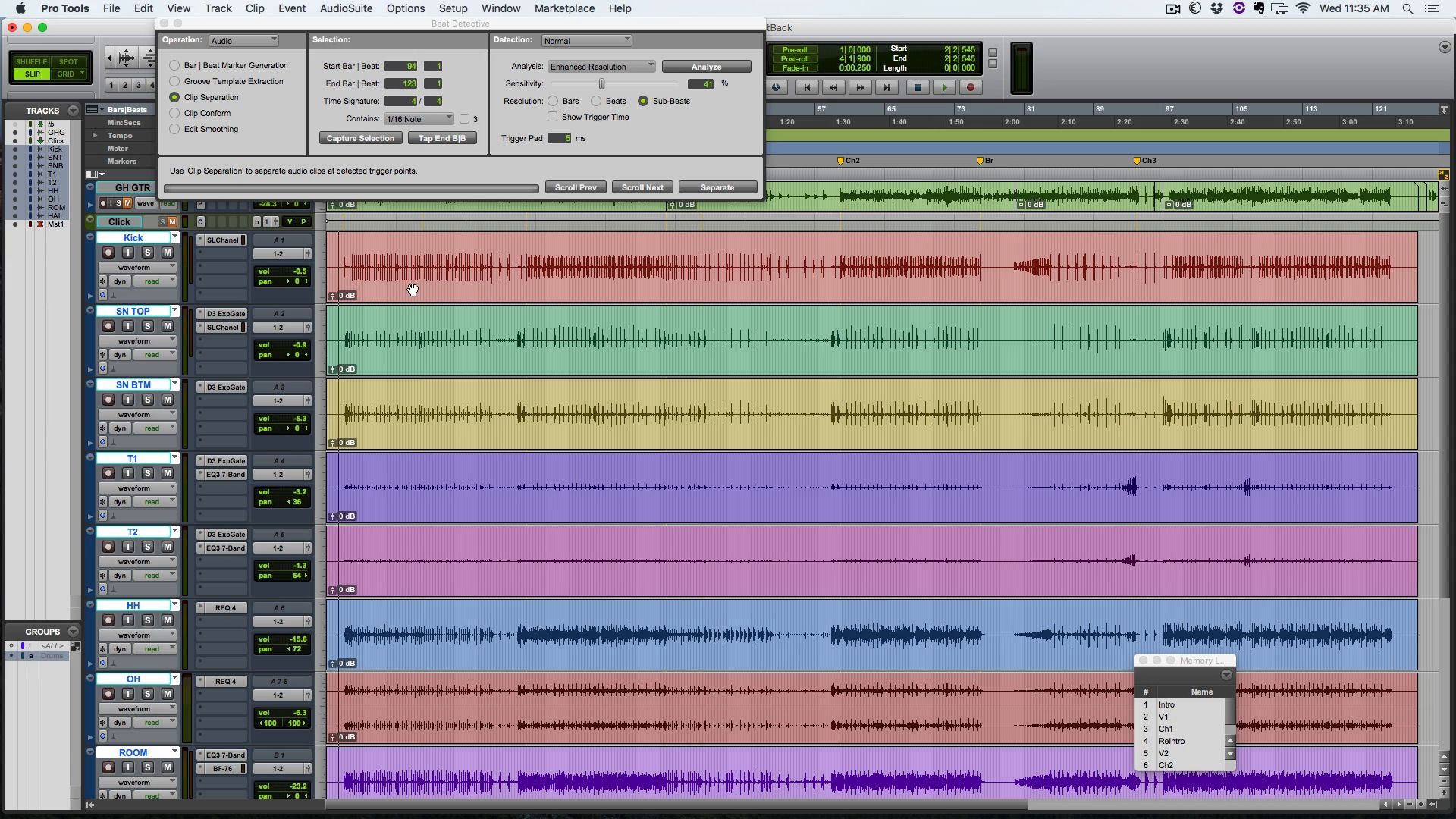
Three full drum editing walkthroughs - simple to complex - so you see exactly how the approach changes depending on the performance and genre.
- ->Beat Detective + manual slip editing workflow
- ->Deciding your approach by genre, drummer, and song
- ->Dealing with random issues - no amateur artifacts
- ->DAW lessons: Pro Tools, Logic, Reaper, Studio One & Cubase
Bass & Guitar
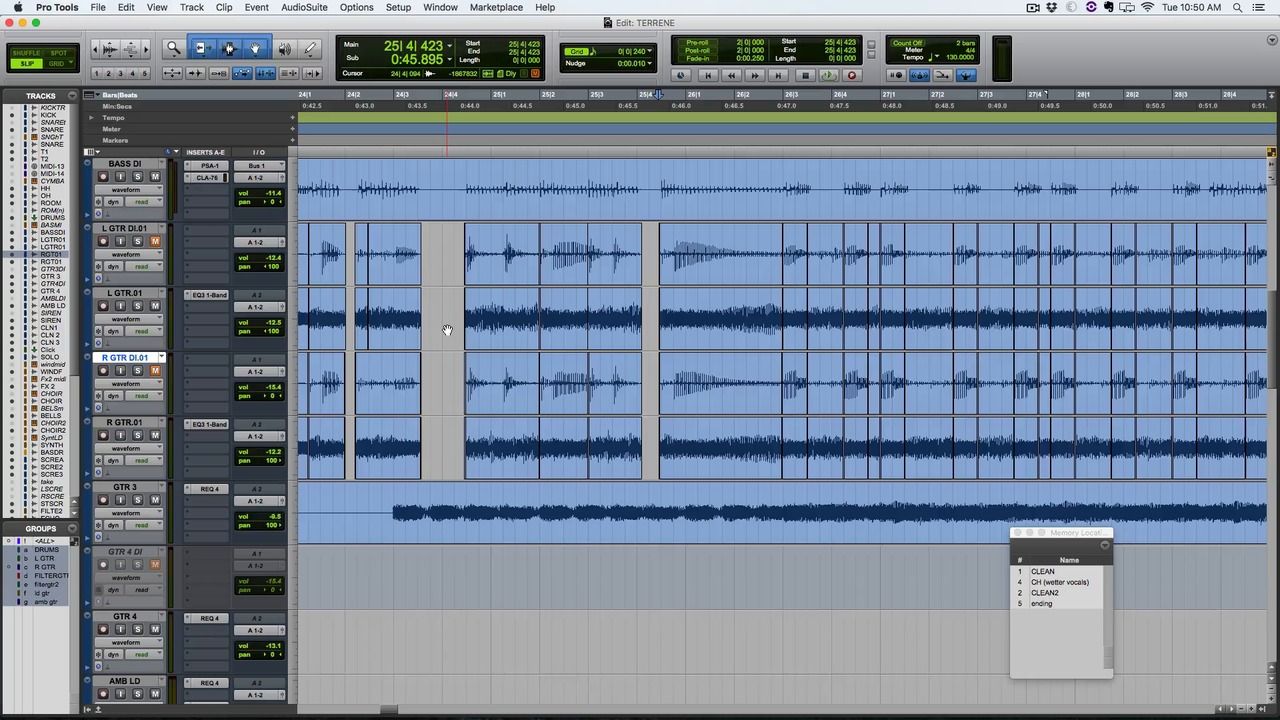
Guitar and bass require a different approach than drums. Most people either over-edit them into something that sounds narrow and processed, or under-edit them and wonder why the guitars never sit right in the mix.
- ->Why NOT to quantize guitars like drums
- ->Tools to stay away from on bass & guitars
- ->How pros get that insanely tight guitar sound
- ->Combining takes and fixing timing naturally
- ->Cut, fade, crossfade transparently - tight, not processed
- ->Avoiding the narrow, unnatural sound of over-editing
Vocals
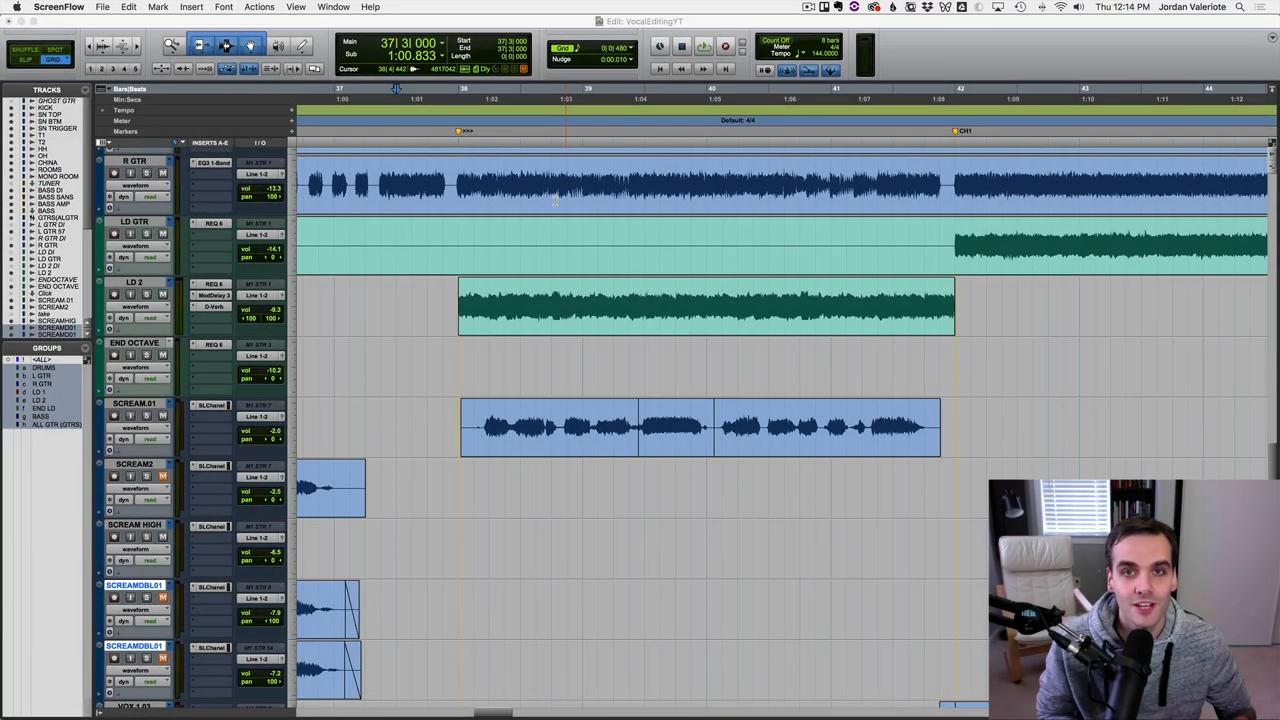
Full workflow for every vocal type - melodic leads, harmonies, and screams. The most exposed element in any mix, and the hardest to get right in editing.
- ->Timing vs. tuning - right workflow for every vocal type
- ->Tuning & editing melodic vocals, harmonies, screams
- ->In-depth Autotune walkthrough - graphical mode, natural results
- ->Where and where NOT to use time stretching
- ->Aligning scream doubles and layers quickly
- ->Sweet spot editing - avoid over-editing, keep layers wide
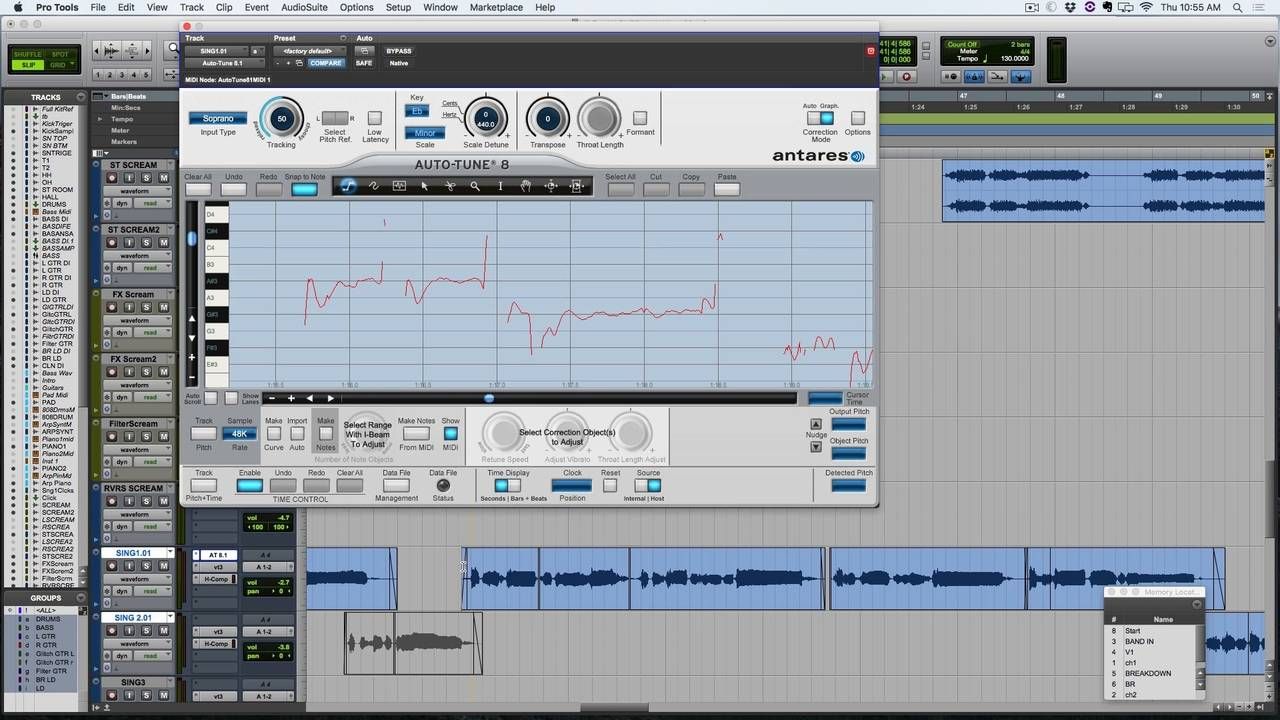

3 lessons. Real studio work. Auras' "Binary Garden."
I mixed the album and brought in Dan Knittel - an HCMS alum - to handle the vocal editing. I asked him to record a full walkthrough of how he tuned the leads, doubles, and harmonies for three songs on the record.
These aren't tutorial videos - they're real sessions, with all the small decisions and adjustments that go into making vocal tuning fast and transparent. Watch them after completing the core vocal lessons.
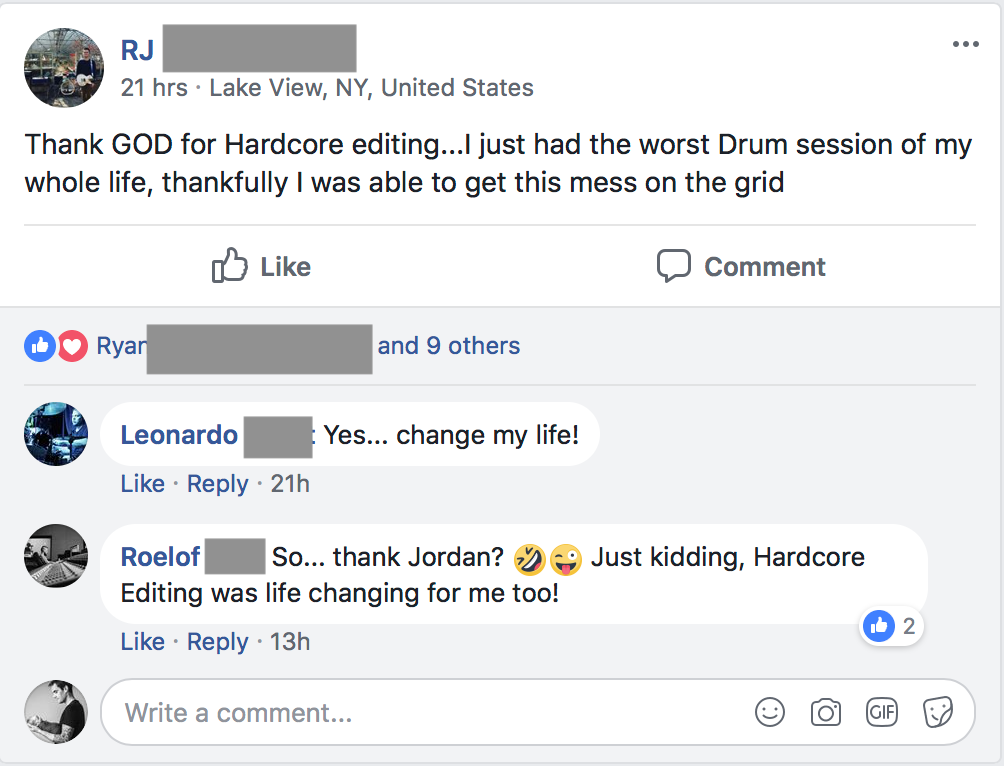
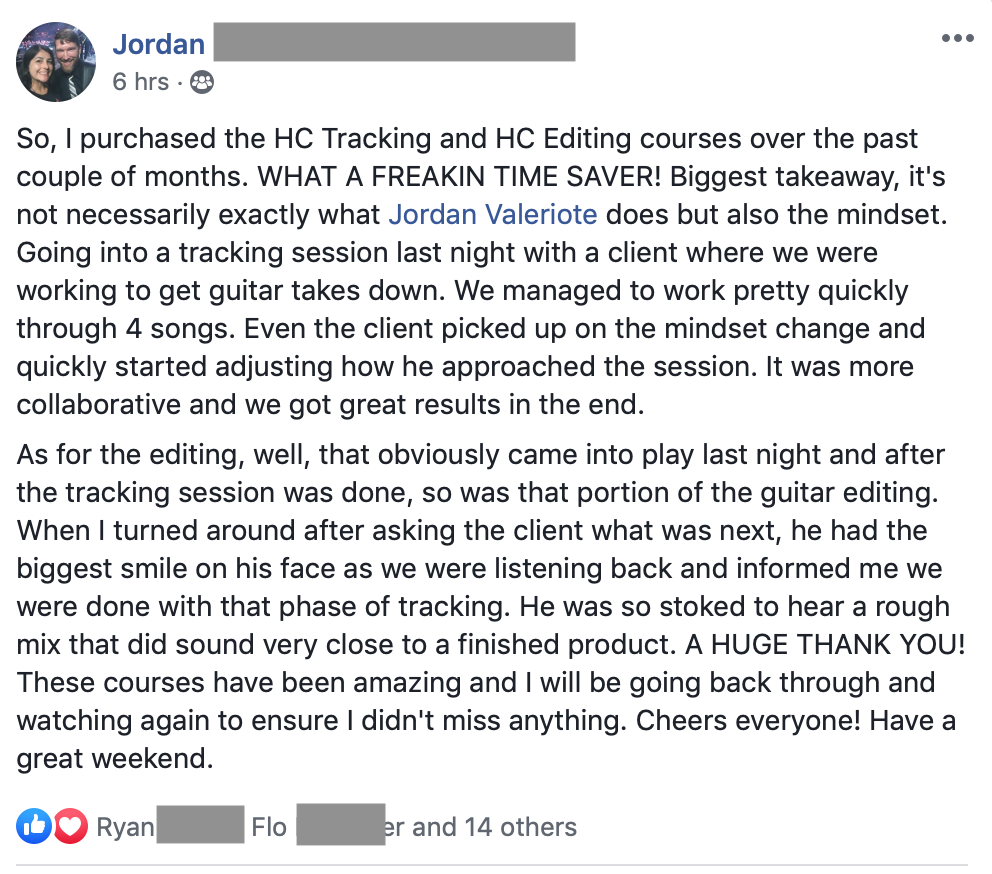
Three bonus modules.
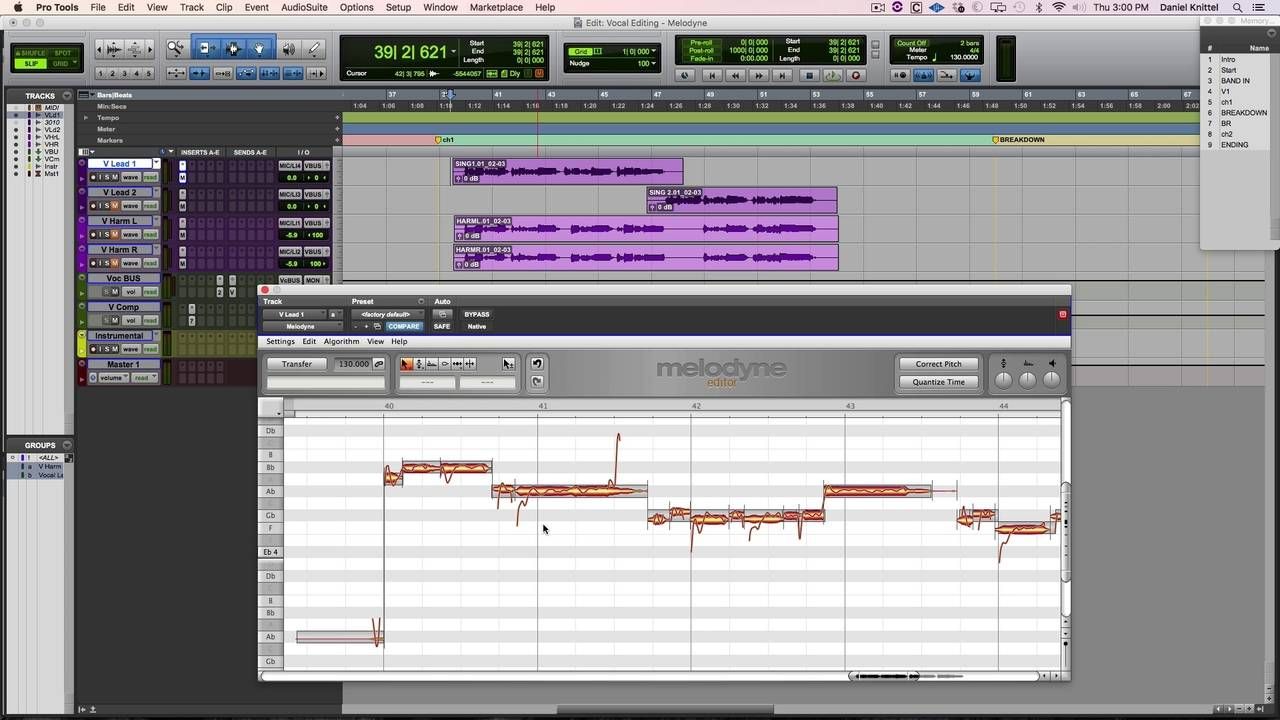
Tuning Vocals with Melodyne
Taught by Dan Knittel - HCMS alum and the engineer Jordan brought in to tune vocals on Auras' "Binary Garden."
Dan walks through the full Melodyne workflow: session setup, finding the key, cutting out the rise and falls so they don't get tuned by accident, working in small chunks, and the three rules for keeping vocal tuning natural - including why you should never flatline vibrato and when to leave a note exactly where it is.
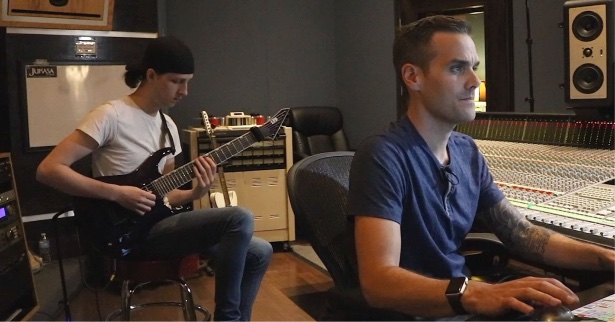
Tracking Super-Tight Guitars
The reason guitar editing is hard is usually because of how the guitars were tracked.
This lesson shows Jordan's method for splitting a riff into small chunks, recording each one tight, and editing it together so it sounds completely natural - including exactly where to place fades so the pick attack comes through.
Done right, there's no guitar editing to do after the fact.
Editing Drums Without a Click Track
A live session replay - Jordan works through a real punk session where the drummer couldn't follow the click at all.
You'll see how to handle it section by section using Beat Detective, how to use tempo adjustment when a drummer is consistently rushing, and at what point it's just not worth trying to edit and you're better off starting over.
This course is for you if...
- You track or mix bands and your sessions always take longer than they should
- You've been editing by feel with no real system and you know it's costing you time
- Your mixes have a persistent muddiness or lack of clarity that more plugins haven't solved
- You want to know how to edit every instrument - drums, guitars, bass, and vocals - not just one
- You use Pro Tools, Logic, Reaper, Studio One, or Cubase and want a workflow that fits your DAW
This is not for you if you're looking for a basic intro to your DAW, you don't work with recorded instruments, or you're not willing to put in the practice. These are real-world professional workflows - they take reps to make them yours.
One-time payment
- Module 01: Drums - including Pro Tools, Logic, Reaper, Studio One & Cubase lessons
- Module 02: Bass & Guitar
- Module 03: Vocals - including Auras "Binary Garden" bonus sessions
- Bonus: Tuning Vocals with Melodyne
- Bonus: Tracking Super-Tight Guitars
- Bonus: Editing Drums Without a Click Track
- Lifetime access
- 30-day money-back guarantee
Secure checkout · Instant access · 30-day guarantee
30-Day Money-Back Guarantee
Go through the entire course and apply what you learn. If you don't hear a difference in your edits, email me and I'll refund your purchase in full. No questions asked.
Black Salt Audio Artist Pass
The Artist Pass is a monthly subscription that includes this course alongside the full BSA Academy library.
Learn more about the Artist Pass
Already a subscriber? You may already have access - check your dashboard.
The engineers I know who consistently put out great-sounding records all have one thing in common - they don't hand themselves a mess to mix. They know that what happens before the mix matters, and they treat editing like the professional skill it is.
At $99, it's less than most people spend on a plugin that won't solve this problem. Go through it, apply it to your next session, and see what a difference it makes to sit down at a mix that's already clean.
- Jordan
Common questions.
What DAW is this taught in?
The core lessons are taught in Pro Tools, but the concepts apply to any DAW. The drum editing module includes dedicated lessons for Logic, Reaper, Studio One, and Cubase so you can follow along in your own setup.
Do I need specific plugins?
The course uses Beat Detective for drum editing and Autotune for vocal tuning - and there's a dedicated bonus module on tuning with Melodyne. You don't need to own all of these to get value from the course. The workflow principles carry over to whatever tools you already have.
Is this for beginners?
This isn't a DAW basics course. You should be comfortable navigating your setup and have worked on at least a few recording sessions. If you're tracking or mixing bands and want to get faster and more consistent, this is built for you.
How long do I have access?
Lifetime access. Once you're in, you have the course for good - including any future updates.
What if I'm not happy with it?
Go through the entire course and apply what you learn. If you don't hear a difference in your edits, email [email protected] within 30 days and you'll get a full refund. No questions asked.
What's the difference between this and Pro Tracking?
Pro Tracking covers how to record a band - mic placement, gain staging, getting a great performance captured. Pro Editing picks up where tracking ends - taking those recordings and getting them production-ready before the mix. They cover different ground and work well together.
Clean edits. Faster sessions. Better results.
Get the complete system for editing drums, guitars, bass, and vocals - and give yourself something worth mixing.
30-day money-back guarantee
Stop mixing problems
you should have edited out.
30-day money-back guarantee
There's a step most people skip - and it's costing them every mix.
Most engineers treat editing like a chore - something to gloss over or get through before the real work starts. But walk into any professional studio and it's a different story.
Drums get aligned. Guitar takes get comped and crossfaded. Vocals get timed and tuned.
When that step gets skipped - or done without a real system - you carry every problem into the mix. The muddiness that won't go away. The low end that never quite locks in. The vocals that sit wrong no matter what you do with the EQ.
Those aren't mixing problems. They're editing problems. And no plugin fixes them.
Pro Editing is the course that fills that gap.
Three in-depth modules covering drums, bass and guitar, and vocals - with the same workflows I've used on real records, taught in a way you can apply to your next session.
The moment I realized editing was a skill - not just a step.
Early in my career I was sitting in on a session with a more experienced engineer. Same DAW I was using. Same kind of session I'd done before.
He opened up the drum edit window and I watched him move through an entire song in the time it used to take me to get through the first verse. He wasn't cutting corners. The edits were clean, the drums sounded natural, and nothing was rushed.
He just had a system - a specific, methodical approach for every decision that came up. Where to cut, how to crossfade, when to use Beat Detective and when to go manual, how to deal with the weird stuff that always shows up mid-edit. He'd done it so many times it was automatic.
That was the moment I understood that editing isn't just a technical step you get through before the real work starts. It's a skill. And like any skill, the engineers who develop it properly move faster, produce cleaner results, and stand out to every client they work with.
I spent years building out those workflows - for drums, for guitars and bass, for vocals - across hundreds of real sessions.
Pro Editing is what came out of that. The engineers who go through it don't just get faster. They stop handing themselves problems to solve in the mix.
Pro Editing has been inside my high-ticket program for years. The only way to access it was as part of a $5,000 program.
That changes now.
This is what happens when editing clicks.
Three modules. Every instrument. A real system.
Drums, bass and guitar, and vocals - each with in-depth video walkthroughs, real session examples, and reference guides for every time you sit down to edit.
Drums
Three full drum editing walkthroughs - simple to complex - so you see exactly how the approach changes depending on the performance and genre.
- ->Beat Detective + manual slip editing workflow
- ->Deciding your approach by genre, drummer, and song
- ->Dealing with random issues - no amateur artifacts
- ->DAW lessons: Pro Tools, Logic, Reaper, Studio One & Cubase
Bass & Guitar
Guitar and bass require a different approach than drums. Most people either over-edit them into something that sounds narrow and processed, or under-edit them and wonder why the guitars never sit right in the mix.
- ->Why NOT to quantize guitars like drums
- ->Tools to stay away from on bass & guitars
- ->How pros get that insanely tight guitar sound
- ->Combining takes and fixing timing naturally
- ->Cut, fade, crossfade transparently - tight, not processed
- ->Avoiding the narrow, unnatural sound of over-editing
Vocals
Full workflow for every vocal type - melodic leads, harmonies, and screams. The most exposed element in any mix, and the hardest to get right in editing.
- ->Timing vs. tuning - right workflow for every vocal type
- ->Tuning & editing melodic vocals, harmonies, screams
- ->In-depth Autotune walkthrough - graphical mode, natural results
- ->Where and where NOT to use time stretching
- ->Aligning scream doubles and layers quickly
- ->Sweet spot editing - avoid over-editing, keep layers wide
3 lessons. Real studio work. Auras' "Binary Garden."
I mixed the album and brought in Dan Knittel - an HCMS alum - to handle the vocal editing. I asked him to record a full walkthrough of how he tuned the leads, doubles, and harmonies for three songs on the record.
These aren't tutorial videos - they're real sessions, with all the small decisions and adjustments that go into making vocal tuning fast and transparent. Watch them after completing the core vocal lessons.
Three bonus modules.
Tuning Vocals with Melodyne
Taught by Dan Knittel - HCMS alum and the engineer Jordan brought in to tune vocals on Auras' "Binary Garden."
Dan walks through the full Melodyne workflow: session setup, finding the key, cutting out the rise and falls so they don't get tuned by accident, working in small chunks, and the three rules for keeping vocal tuning natural - including why you should never flatline vibrato and when to leave a note exactly where it is.
Tracking Super-Tight Guitars
The reason guitar editing is hard is usually because of how the guitars were tracked.
This lesson shows Jordan's method for splitting a riff into small chunks, recording each one tight, and editing it together so it sounds completely natural - including exactly where to place fades so the pick attack comes through.
Done right, there's no guitar editing to do after the fact.
Editing Drums Without a Click Track
A live session replay - Jordan works through a real punk session where the drummer couldn't follow the click at all.
You'll see how to handle it section by section using Beat Detective, how to use tempo adjustment when a drummer is consistently rushing, and at what point it's just not worth trying to edit and you're better off starting over.
This course is for you if...
- You track or mix bands and your sessions always take longer than they should
- You've been editing by feel with no real system and you know it's costing you time
- Your mixes have a persistent muddiness or lack of clarity that more plugins haven't solved
- You want to know how to edit every instrument - drums, guitars, bass, and vocals - not just one
- You use Pro Tools, Logic, Reaper, Studio One, or Cubase and want a workflow that fits your DAW
This is not for you if you're looking for a basic intro to your DAW, you don't work with recorded instruments, or you're not willing to put in the practice. These are real-world professional workflows - they take reps to make them yours.
Get Pro Editing today.
One-time payment
- Module 01: Drums - including Pro Tools, Logic, Reaper, Studio One & Cubase lessons
- Module 02: Bass & Guitar
- Module 03: Vocals - including Auras "Binary Garden" bonus sessions
- Bonus: Tuning Vocals with Melodyne
- Bonus: Tracking Super-Tight Guitars
- Bonus: Editing Drums Without a Click Track
- Lifetime access
- 30-day money-back guarantee
Secure checkout · Instant access · 30-day guarantee
30-Day Money-Back Guarantee
Go through the entire course and apply what you learn. If you don't hear a difference in your edits, email me and I'll refund your purchase in full. No questions asked.
Black Salt Audio Artist Pass
The Artist Pass is a monthly subscription that includes this course alongside the full BSA Academy library.
Learn more about the Artist Pass
Already a subscriber? You may already have access - check your dashboard.
The engineers I know who consistently put out great-sounding records all have one thing in common - they don't hand themselves a mess to mix. They know that what happens before the mix matters, and they treat editing like the professional skill it is.
At $99, it's less than most people spend on a plugin that won't solve this problem. Go through it, apply it to your next session, and see what a difference it makes to sit down at a mix that's already clean.
- Jordan
Common questions.
What DAW is this taught in?
The core lessons are taught in Pro Tools, but the concepts apply to any DAW. The drum editing module includes dedicated lessons for Logic, Reaper, Studio One, and Cubase so you can follow along in your own setup.
Do I need specific plugins?
The course uses Beat Detective for drum editing and Autotune for vocal tuning - and there's a dedicated bonus module on tuning with Melodyne. You don't need to own all of these to get value from the course. The workflow principles carry over to whatever tools you already have.
Is this for beginners?
This isn't a DAW basics course. You should be comfortable navigating your setup and have worked on at least a few recording sessions. If you're tracking or mixing bands and want to get faster and more consistent, this is built for you.
How long do I have access?
Lifetime access. Once you're in, you have the course for good - including any future updates.
What if I'm not happy with it?
Go through the entire course and apply what you learn. If you don't hear a difference in your edits, email [email protected] within 30 days and you'll get a full refund. No questions asked.
What's the difference between this and Pro Tracking?
Pro Tracking covers how to record a band - mic placement, gain staging, getting a great performance captured. Pro Editing picks up where tracking ends - taking those recordings and getting them production-ready before the mix. They cover different ground and work well together.
Clean edits. Faster sessions. Better results.
Get the complete system for editing drums, guitars, bass, and vocals - and give yourself something worth mixing.
30-day money-back guarantee